Access places organization identity and reusable authorization policy in front of selected Worker hostnames. An application is a protection rule for one existing Worker; it does not deploy, copy, or run the Worker. Unprotected Workers remain public.
The curated photo example demonstrates the intended split:
photo-studio.t-bd7662a5eeb4.workers.ermahgerd.localhost:8443requires an allowed organization user or a scoped service token.photo-gallery.t-bd7662a5eeb4.workers.ermahgerd.localhost:8443remains public.
Protect a Worker
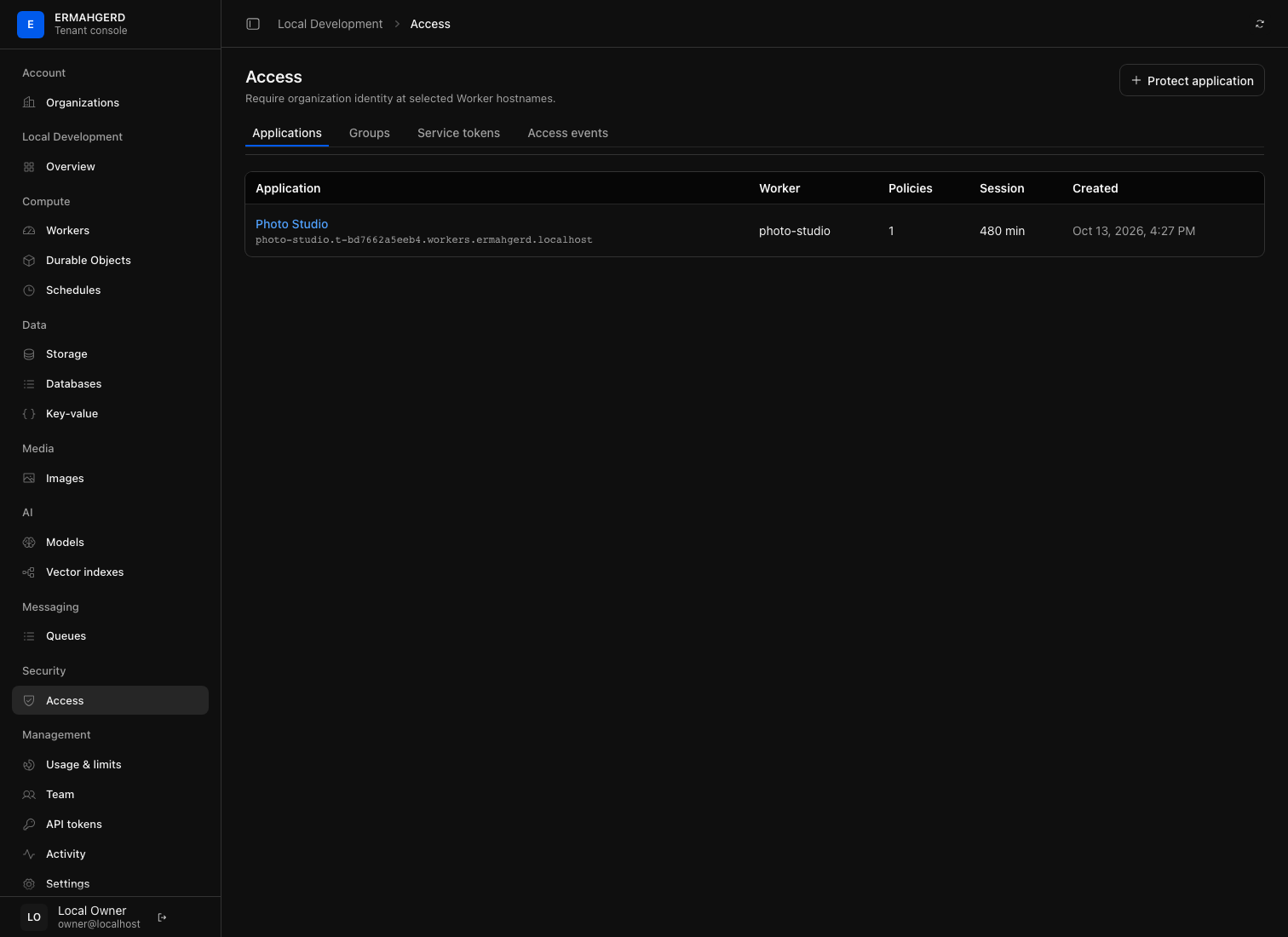
- Open the organization in the tenant console.
- Select Security → Access.
- Open Groups and create a reusable group from organization roles and/or named member email addresses.
- Return to Applications, select Protect application, and choose the Worker. The namespace comes from Identity’s authorized organization record; the browser cannot supply or override it.
- Open the linked application and add an
allowpolicy for the group.
An application with no matching allow policy denies access. Policies are
evaluated in displayed precedence order; the first matching allow or block
decision wins. Removing application protection republishes ingress and makes
the Worker public immediately. It does not delete Worker code or data.
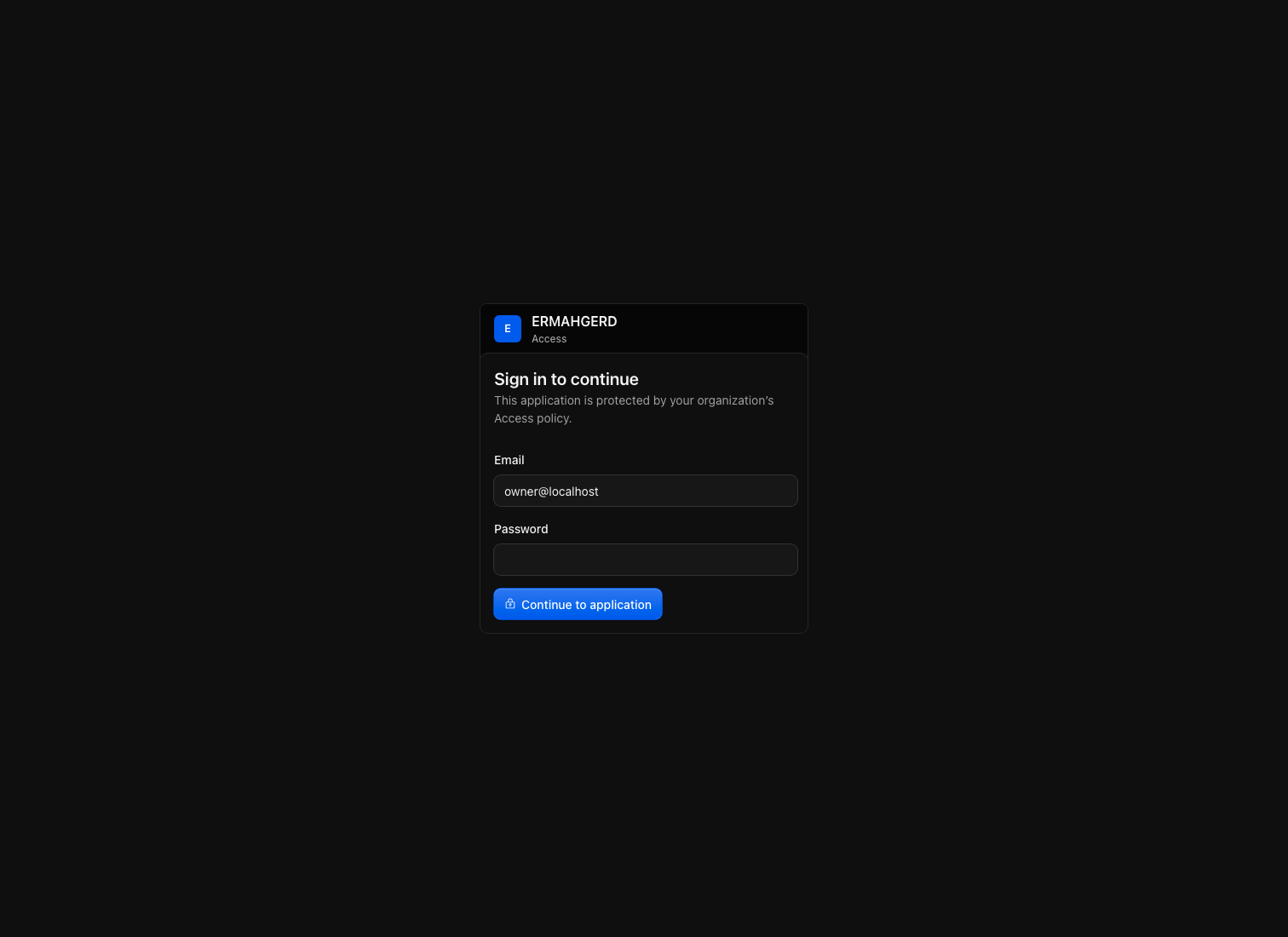
Browser requests without a valid application session are redirected to
http://access.ermahgerd.localhost:8080. A successful organization login and
policy decision produces a one-time callback code, followed by a host-only,
HttpOnly CF_Authorization cookie on the protected Worker hostname. Access
binds that callback to a short-lived, host-only browser-state cookie so another
browser cannot reuse the login continuation. Access then
forwards the verified assertion and authenticated user email to the Worker as:
Cf-Access-Jwt-Assertion
Cf-Access-Authenticated-User-Email
HAProxy strips caller-supplied copies of those headers. The current assertion uses an appliance-local HS256 signing key and is intended for this local platform; there is not yet a public JWKS endpoint or external identity-provider login.
Call a protected Worker from automation
Under Service tokens, create a credential and scope it to one or more Access applications. The secret is shown only once. Send both headers:
curl -sS http://127.0.0.1:8080/ \
  -H 'Host: private.t-namespace.workers.ermahgerd.localhost' \
  -H 'CF-Access-Client-Id: access-…' \
  -H 'CF-Access-Client-Secret: …'
Service tokens grant only the applications selected at creation. Revoke a
token from the same page to stop subsequent requests. The curated example
verifier uses a local-development-only service token so make examples-test
can prove the protected studio and public gallery in one run.
Inspect access activity and limits
The Access events tab records configuration changes and allowed or denied principals without storing credential secrets. Access exports low-cardinality decision, proxy outcome, and upstream-response-header latency metrics into the platform telemetry pipeline. Systemd journal entries are collected with the other platform services.
Usage & limits groups the following authoritative holdings under Access:
- protected applications;
- reusable groups;
- active service tokens.
The Access service reserves quota before growth and fails closed if quota enforcement is unavailable. Removing protection, deleting an unused group, or revoking a token reconciles the corresponding holding. A group referenced by a policy cannot be deleted until the policy is removed.
Understand the boundary
HAProxy asks Access for the current protection snapshot whenever routes are
reconciled. A protected request goes to the Access gateway, then returns through
a private HAProxy listener guarded by a platform proxy token before reaching
the shared workerd pool. A public Worker continues directly from HAProxy to
that pool. Access is application-level authentication and authorization; it
does not change the V8 isolate boundary or provide VM-grade isolation.
See the Access request flow and Organizations and access for the surrounding identity and tenant model.